
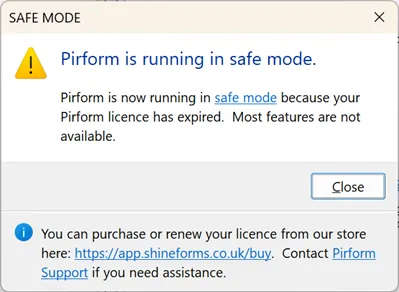
Shine Forms is licensed to the computer. If your licence has expired, Shine Forms will warn you that it is running in “safe mode” when it starts:
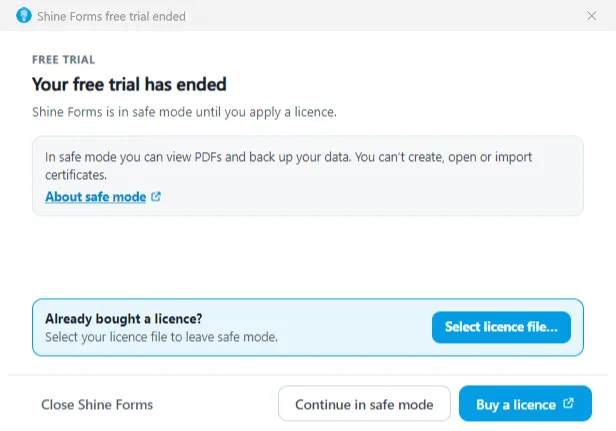
When your free trial has ended, the free trial window tells you instead. From there you can buy a licence, select a licence file you already have, or continue in safe mode:
If you have a licence, you can read about how to enter it here.
Read how to purchase or renew your licence here, or go straight to our online store here.
Most features are not available when Shine Forms is in safe mode, and the ribbon will be mostly disabled:
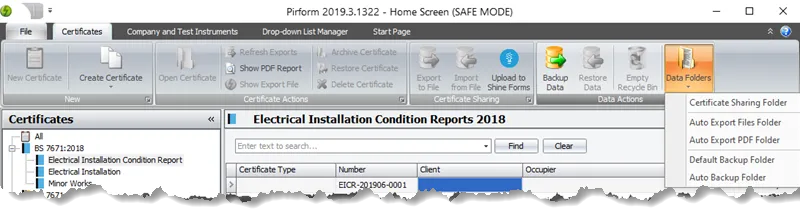
However, you can still do the following: