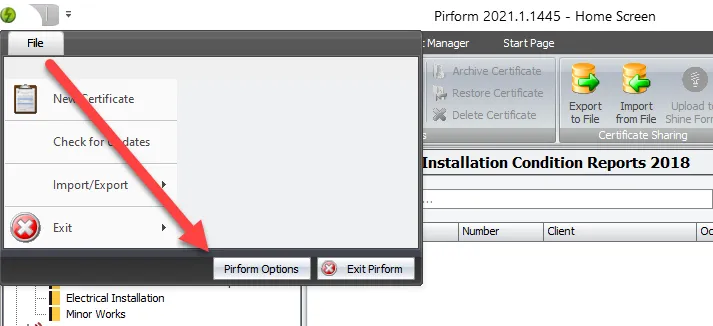
Sometimes Shine Forms Support will ask you to use Shine Forms to open a file. To do that, first open Shine Forms Options by clicking File in the Home Screen and then clicking Shine Forms Options:
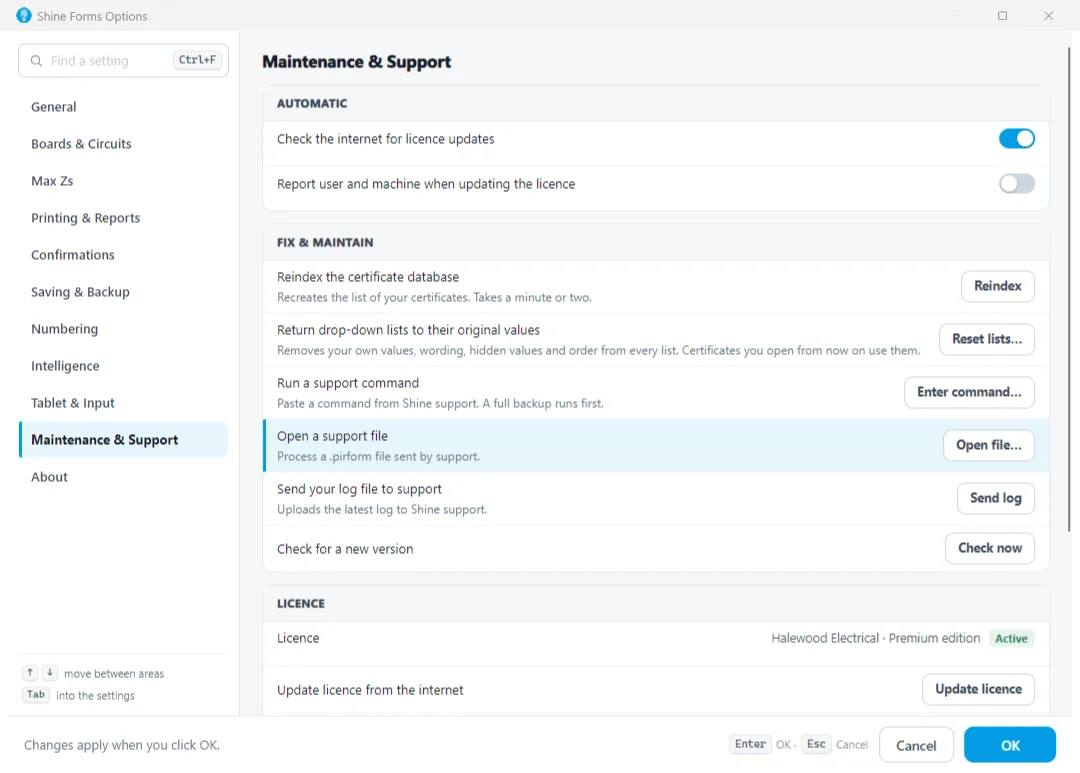
Select the Support section and click the button marked Open File. Then select the file and click OK.