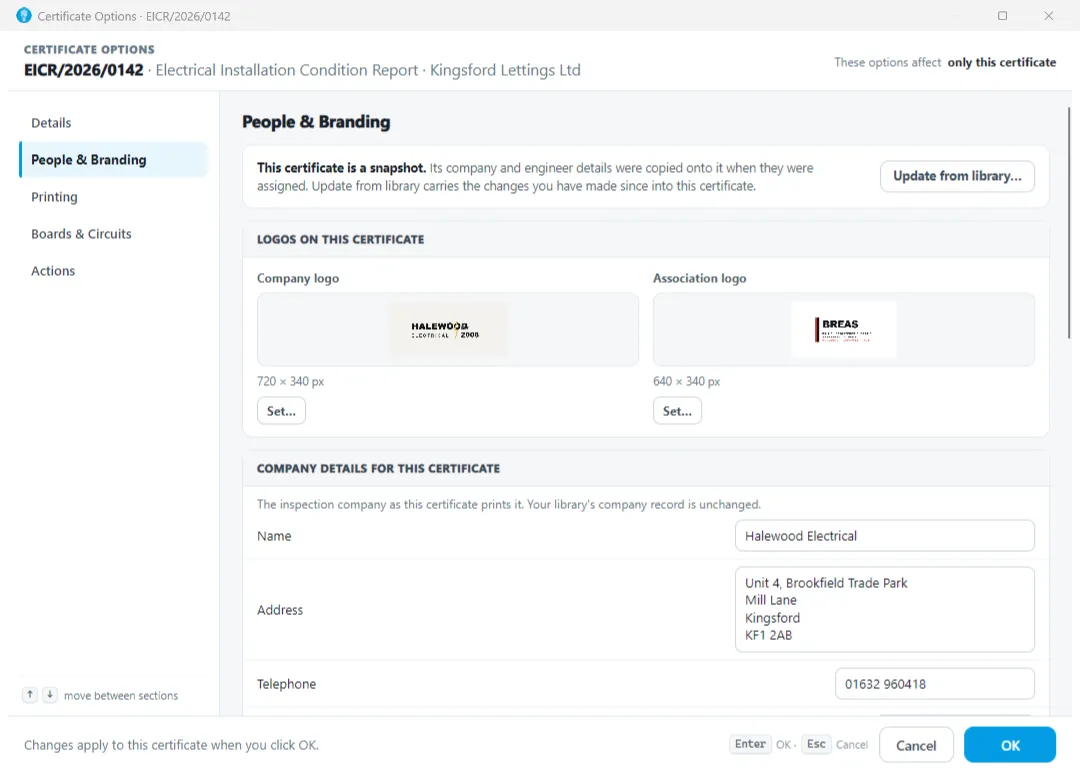
Shine Forms has settings and options that let you control various features of the program. They are split into two areas:
- Options that apply to the whole of the program
- Options that apply to individual certificates.
Shine Forms options
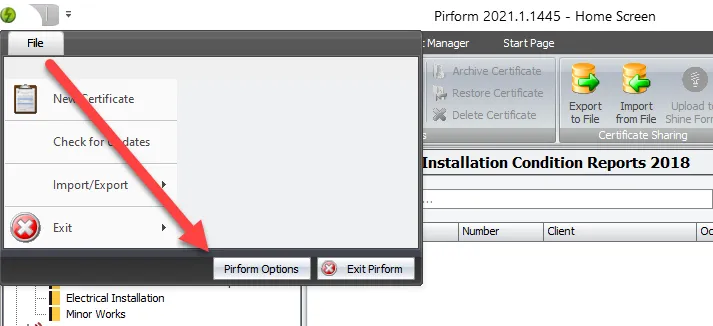
These options apply to the whole of the program and any newly created certificates. You can access them from Home Screen by clicking File and then Shine Forms Options:
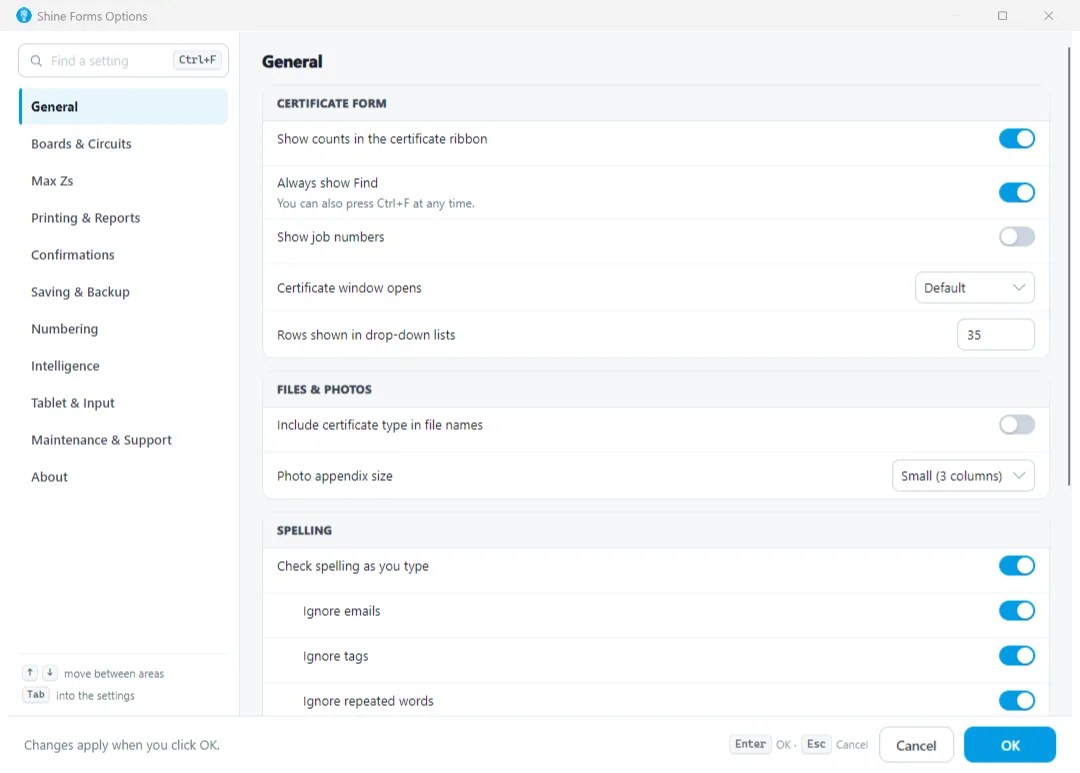
Adjust the settings as required, then click OK to save your settings or Cancel to close without making any changes.
Certificate options
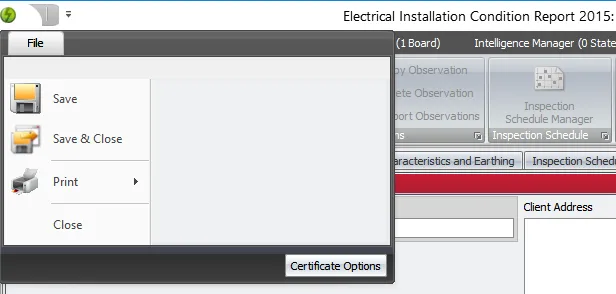
These options apply to the individual certificate. You can access them by opening the certificate and clicking File and then Certificate Options:
Adjust the settings as required, then click OK to save your settings or Cancel to close without making any changes.