
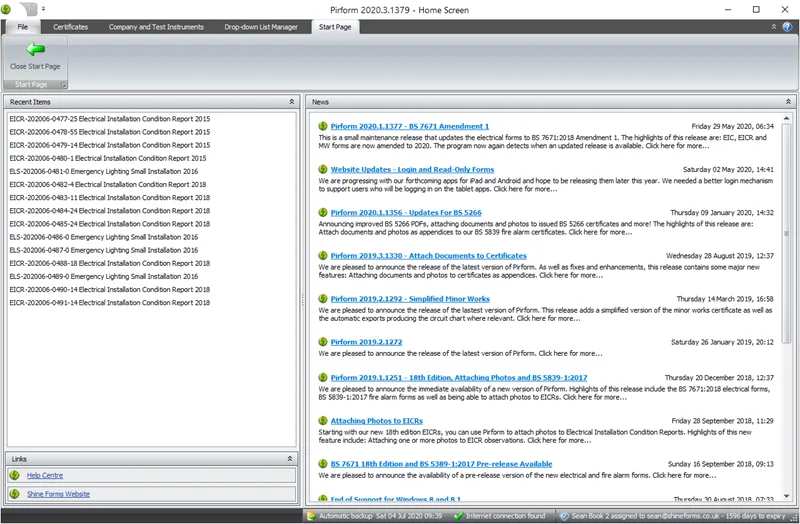
This article describes how to refresh the news section of your Shine Forms Start Page information.
Find your Shine Forms data folder
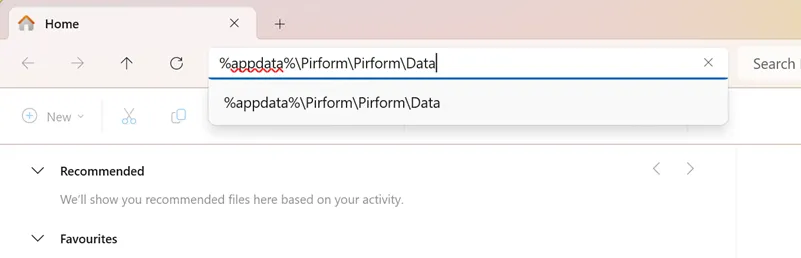
Find the Shine Forms data folder, which you can access by entering the following text into File Explorer and pressing Enter on your keyboard:
%appdata%\Shine Forms\Shine Forms\Data
It will look like this:
Alternatively, browse to the following location (replacing the section your-user-name with your username):
C:\Users\your-user-name\AppData\Roaming\Shine Forms\Shine Forms\Data
Delete the start page file
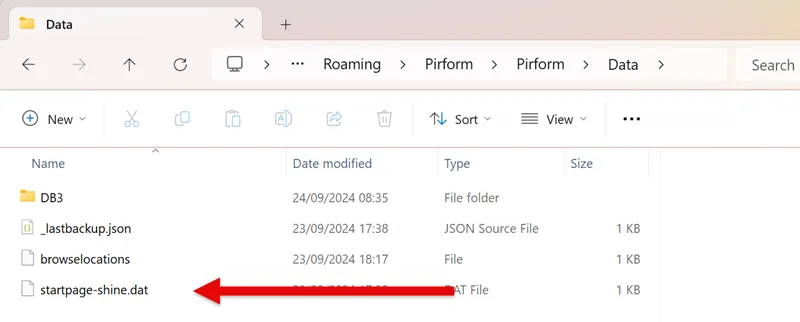
Find and delete the file named startpage-shine.dat, then close and re-open Shine Forms and it will refresh the start page details when it starts up.