
Welcome! The sections below will help you get started with Shine Forms. For further assistance, contact our help desk or use the search box at the top right.
Try Shine Forms for free with a 30-day trial.
Watch our videos on the Shine Forms YouTube Channel.
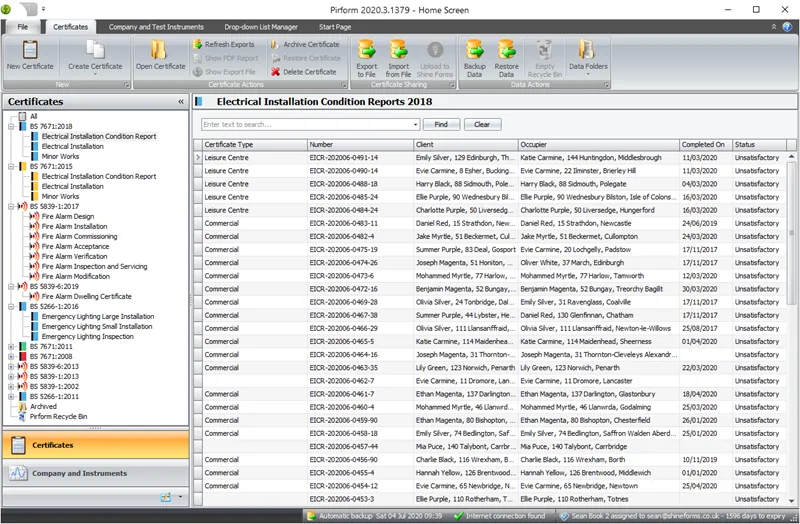
First steps
Read these articles to install Shine Forms, set up your company, and create your first certificate:
- Installing Shine Forms
- Applying your licence
- Set up your company and engineers
- Creating new certificates
- Saving to PDF (including circuit charts)
Working with certificates
These articles cover working with certificates:
- Using the Board Manager
- Working with observations and limitations
- Working with boards and circuits
- Working with the inspection schedule
- Attaching photos to observations
- Attaching documents as appendices
- Checking your spelling
Understanding backups
Learn how to keep your certificates safe and where they are stored:
Working with others
Shine Forms makes it easy to collaborate with other engineers:
For managing Shine Forms for multiple users:
- Sharing company details across machines
- Manage licences for multiple engineers
- Set up online backup and sharing
Changing options and settings
Customize Shine Forms to suit your needs:
Stay in touch
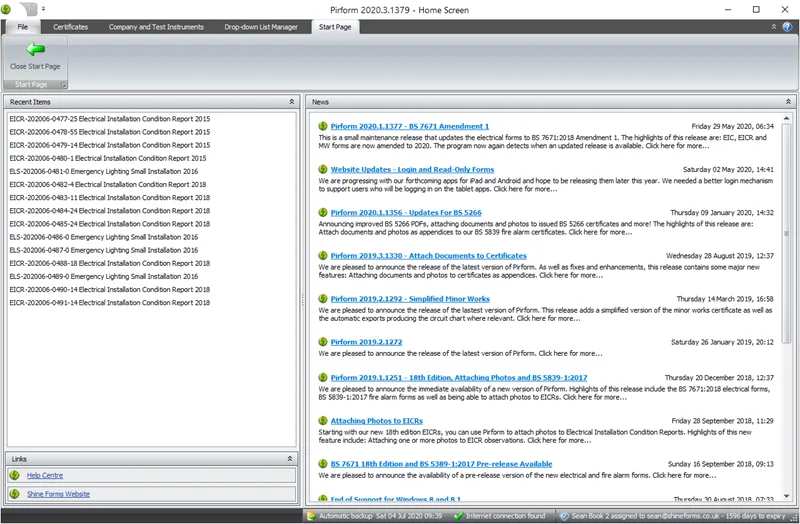
The Start Page shows your recently opened certificates and our blog. Check the blog for new articles and announcements.
Tips for working in Shine Forms
Helpful sections for working in Shine Forms: