
Shine Forms 2026.5: Emergency Lighting BS 5266-1:2025
This release is all about our new emergency lighting forms for BS 5266-1:2025.
Emergency Lighting BS 5266-1:2025
We have updated our emergency lighting forms to the latest BS 5266:2025 regulations.
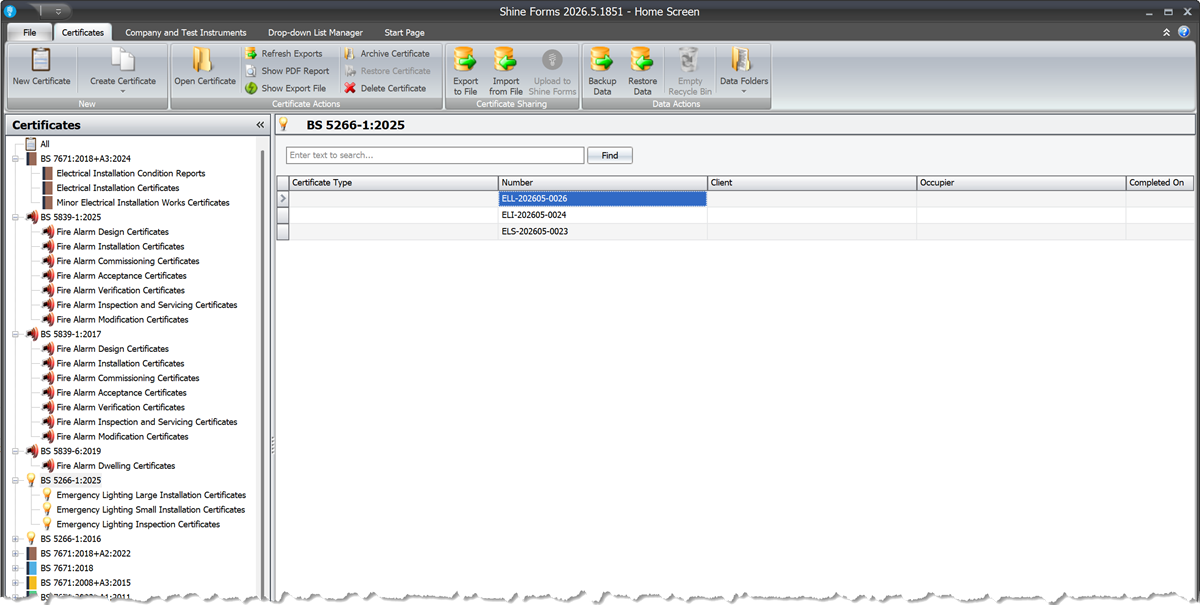
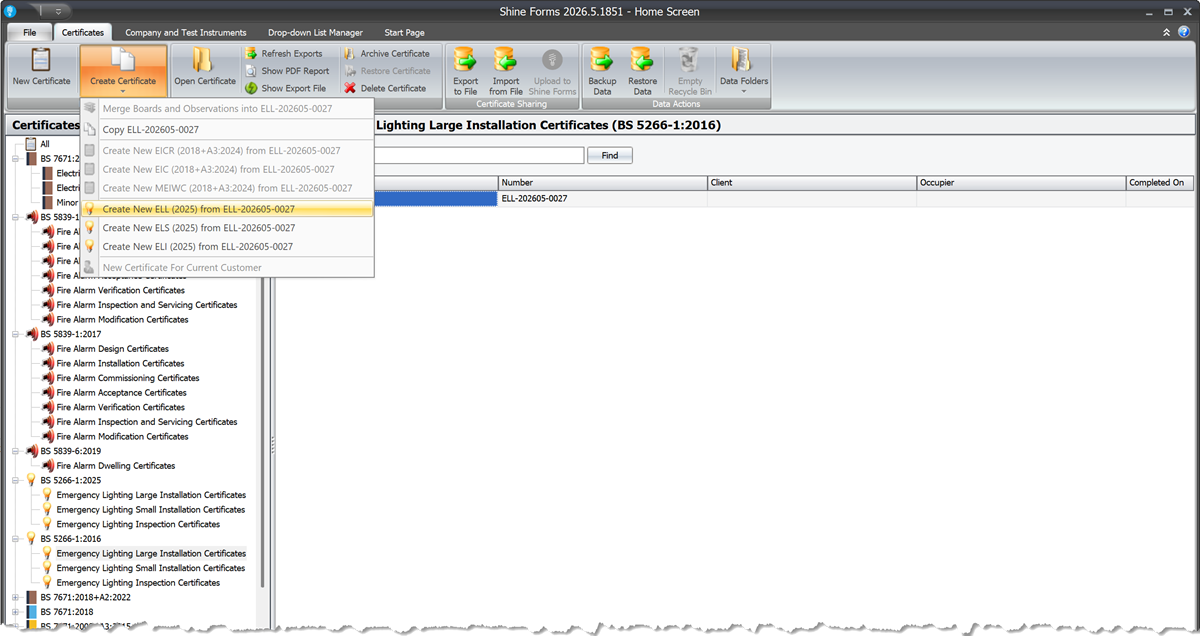
You can now also create new BS 5266-1:2025 forms from older emergency lighting forms.
Improved Dropdown Lists
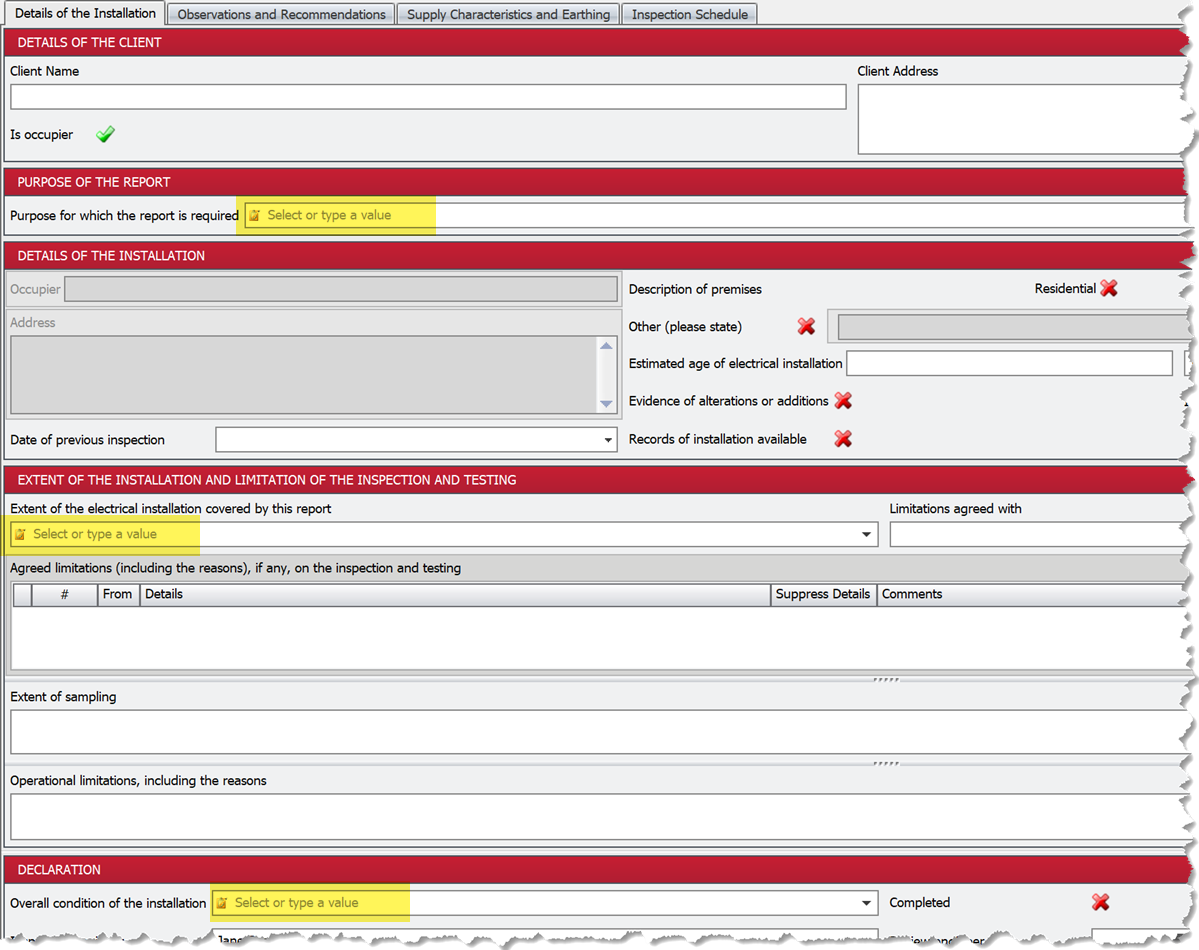
Some of the fields that have a dropdown selector also allow you to directly type into them, such as installation extent and overall installation condition. We’ve made it clearer that you can do this by adding an icon to the left of the field and some text to say so when it is empty:
Read more about the Dropdown List Manager in our documentation.
Other Changes and Fixes
-
Change: errors in individual certificates are now suppressed and reported when updating certificate details in bulk.
-
Fix: the last values typed in grids were lost when clicking directly to a ribbon button before moving to another grid cell.
-
Fix: importing a cert with a duplicated ID would overwrite the adjusted ID.
-
Fix: import was not correctly renumbering when there was a number clash.
-
Fix: the import wizard wasn’t showing certificate details in the selection grid.
-
Fix: intelligence re-evaluation was taking too long for larger certificates.